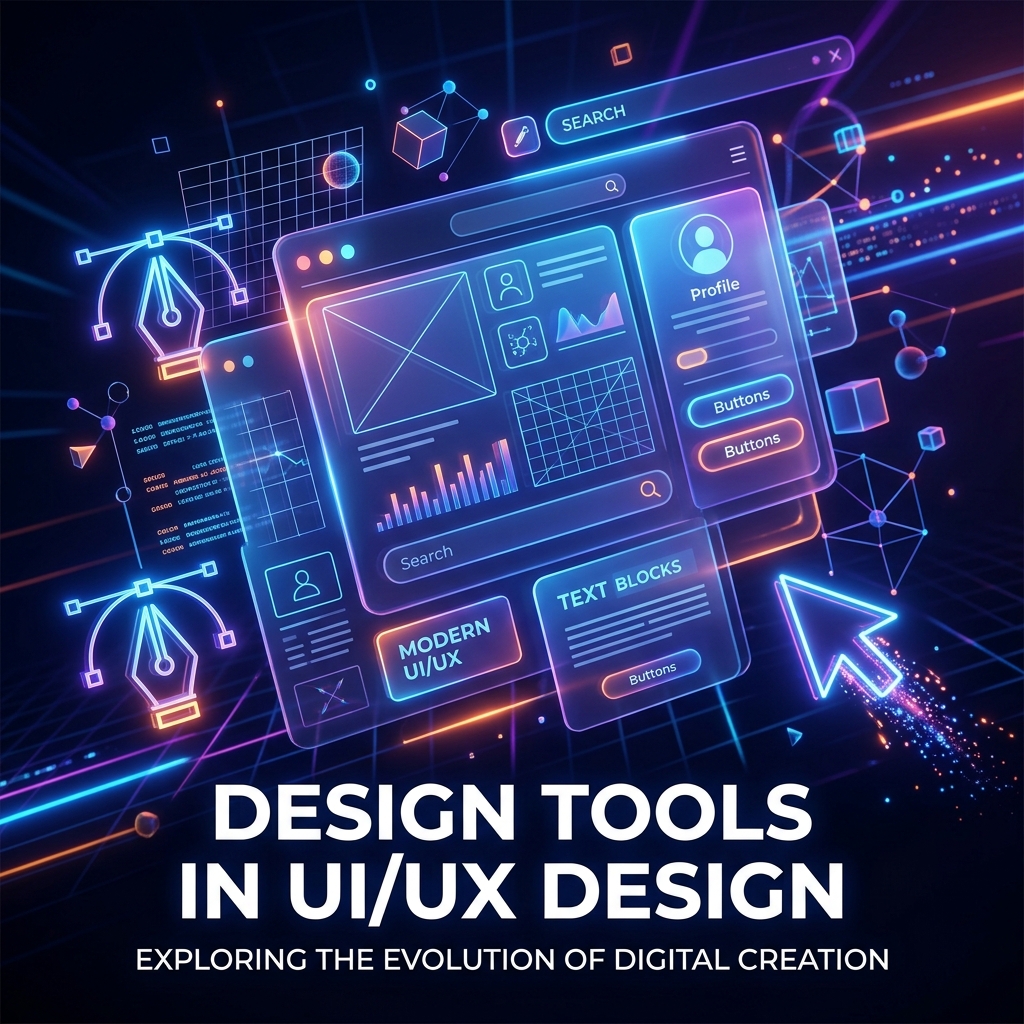
Design Tools in UI/UX Design: The Complete Guide for Modern Designers
Behind every great digital product is a powerful set of design tools.
From wireframing and prototyping to collaboration and developer handoff, modern UI/UX design depends heavily on tools that help designers turn ideas into real user experiences.
But with so many options available today, choosing the right design tools can feel overwhelming—especially for beginners.
This guide explains the most important UI/UX design tools, what they’re used for, and how they help designers create better digital products efficiently.
What Are Design Tools in UI/UX?
Design tools are software applications used by UI/UX designers to:
- Create interfaces
- Build wireframes
- Design prototypes
- Conduct collaboration
- Organize design systems
- Test user experiences
In simple terms:
👉 Design tools help designers plan, create, test, and improve digital products.
These tools are now essential for: UI design, UX research, prototyping, team collaboration, and product development workflows.
Why Design Tools Are Important in UI/UX
Modern digital products are complex. Design tools simplify the process and improve teamwork:
1. Improve Design Efficiency
Design tools help designers work faster through reusable components, templates, and automation.
2. Enable Real-Time Collaboration
Teams can collaborate live with: Designers, Developers, Product managers, and Stakeholders.
3. Simplify Prototyping
Interactive prototypes allow teams to test experiences before development begins.
4. Maintain Design Consistency
Design systems and shared libraries keep interfaces visually consistent across products.
5. Improve Developer Handoff
Modern tools help developers inspect spacing, typography, colors, and assets directly.
Types of Design Tools in UI/UX
Different tools serve different purposes in the UX process. Here is how they break down:
1. UI Design Tools
Used to create visual user interfaces. Key tasks include layout design, typography, components, visual hierarchy, and responsive design.
Popular: Figma, Sketch, Adobe XD.
2. Wireframing Tools
Help designers create low-fidelity layouts before visual design begins. Used for page structure, content placement, and navigation planning.
Popular: Balsamiq, Whimsical, FigJam.
3. Prototyping Tools
Create interactive experiences that simulate real product behavior. Used for user testing, flow validation, and interaction previews.
Popular: ProtoPie, InVision, Marvel.
4. UX Research Tools
Used to collect user insights and analyze behavior. Helpful for surveys, usability testing, heatmaps, and analytics.
Popular: Hotjar, Maze, Google Analytics.
5. Collaboration Tools
Help teams brainstorm, discuss, and organize workflows. Essential for bringing designers, PMs, and developers onto the same page.
Popular: Miro, Notion, Slack.
Most Popular Design Tools Explained
Figma
Figma is currently the most popular UI/UX tool because it combines interface design, prototyping, collaboration, and developer handoff in one platform.
Key strengths: Browser-based, real-time teamwork, cross-platform support.
Best for: UI design, design systems, and team collaboration.
Sketch
Sketch became highly popular for UI design before cloud collaboration tools became mainstream.
Key strengths: Lightweight interface, strong plugin ecosystem.
Limitations: Mac-only platform.
Adobe XD
Adobe XD integrates well with the rest of the Adobe ecosystem.
Best for: Adobe ecosystem users, UI prototyping, and basic interaction design.
How to Choose the Right Design Tool
The "best" tool depends on your workflow, goals, and experience. Consider: team collaboration needs, platform compatibility, learning curve, prototyping capabilities, and budget.
Best Design Tools for Beginners
| Tool |
Best For |
| Figma |
Complete UI/UX workflow |
| FigJam |
Brainstorming and flows |
| Balsamiq |
Wireframing |
| Canva |
Basic visual design |
| Miro |
Collaboration |
Design Tools vs Design Skills
A common misconception:
❌ "Knowing tools means knowing design."
Not true. Tools help execute ideas, but strong UX requires:
- User research & empathy
- Critical problem-solving
- Information architecture
- Product thinking
👉 Tools are important—but thinking matters more.
Common Mistakes to Avoid
- Learning software before UX fundamentals
- Using too many tools unnecessarily
- Prioritizing visuals over usability
- Ignoring accessibility features
- Depending entirely on plugins and templates
Great UX comes from strategy, not software alone.
Improving UI/UX Workflows
Good tools help teams:
- Work faster and iterate easily
- Collaborate efficiently across roles
- Test ideas quickly with real users
- Maintain visual design consistency
They reduce friction across the entire product development process.
Future of Design Tools
Modern design tools are evolving rapidly with:
- AI-assisted design automation
- Smart prototyping & code integration
- Real-time team handoff
- Automated layouts and design systems
The future of UI/UX tools is connected, intelligent, and highly collaborative.
Final Thoughts
Design tools are essential in modern UI/UX design, but they are only as powerful as the designer using them.
The best designers don’t just master tools—they understand users, problems, flows, strategy, and product thinking.
Because at the end of the day:
🛠️ Tools create interfaces.
🎨 Designers create experiences.